
Mario Paint
Retro Game Information
In Mario Paint, you'll wield the SNES Mouse to bring your imagination to life by drawing, painting, animating, and composing music on a digital canvas.
Game Controls
How to play Mario Paint
Mario Paint is primarily controlled using the SNES Mouse, allowing you to precisely point, click, and drag to select tools, draw on the canvas, animate frames, and compose music, offering an intuitive digital art experience. The controller's Start button is used for accessing menus and saving creations.
About Mario Paint
Mario Paint is a truly unique software title developed by Nintendo R&D4 and published by Nintendo for the Super Nintendo Entertainment System (SNES) in 1992. It wasn't a traditional game in the slightest; rather, Mario Paint was a creative toolkit designed from the ground up to showcase the revolutionary SNES Mouse peripheral. This groundbreaking release invited players of all ages into a vibrant digital sandbox, offering an accessible and incredibly fun entry point into computer-aided creativity, a novel concept for home consoles at the time.
At its core, Mario Paint functions as a digital art program. Players are presented with a blank canvas and a delightful array of tools. You can choose from various brushes, a spray can, a fill bucket, an eraser, and a selection of geometric shape tools. The real magic of Mario Paint lies in its playful and responsive interface, making the act of drawing, coloring, and manipulating images a joy. You can create anything from simple doodles to intricate scenes, using a broad palette of colors and even special stamp tools featuring iconic characters and objects from the Mario universe.
Beyond static drawings, Mario Paint offers more dynamic creative outlets. The Animation Studio allows you to create simple, frame-by-frame animations. By drawing individual cells and sequencing them, you can produce short, looping animations, bringing your characters and scenes to life with movement. Complementing this is the robust Music Studio, where players can compose their own melodies using a grid-based system. With a variety of sound effects and instrument options, the Music Studio in Mario Paint proved surprisingly capable and endlessly entertaining for budding musicians.
What truly elevated the experience in Mario Paint was the SNES Mouse. This accessory provided a level of precision and direct control that was unparalleled for its era on a console, making every stroke and selection feel intuitive. The game also includes a couple of fun mini-games, like the 'Paint Roller' and 'Bug Out,' which cleverly integrate the drawing tools into lighthearted challenges. Mario Paint remains a cherished piece of SNES history, celebrated not just for its innovative approach to digital art and music creation but for the sheer, unadulterated fun it offered, solidifying its legacy as a creative playground for a generation.
Game Tags
Embed This Retro Game
Embed this retro game into your website and let visitors play directly on your page
Embed Code
https://retrogamesnexus.com/embed/games/mario-paintUsage Tips
Copy the code above and paste it into your website's HTML. The game will automatically display on your page. Works with all modern browsers and mobile devices.
Reviews & Ratings
No reviews yet. Be the first to review!
User Reviews
🎮 Related Games


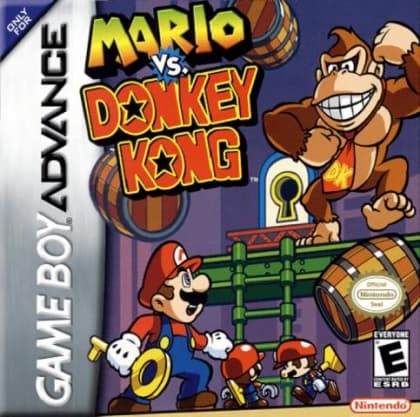
Mario vs. Donkey Kong
As Mario, you'll navigate intricate puzzle-filled levels, using your agile platforming skills to guide a trail of mischievous Mini-Marios to safety, all while outsmarting the rampaging Donkey Kong.

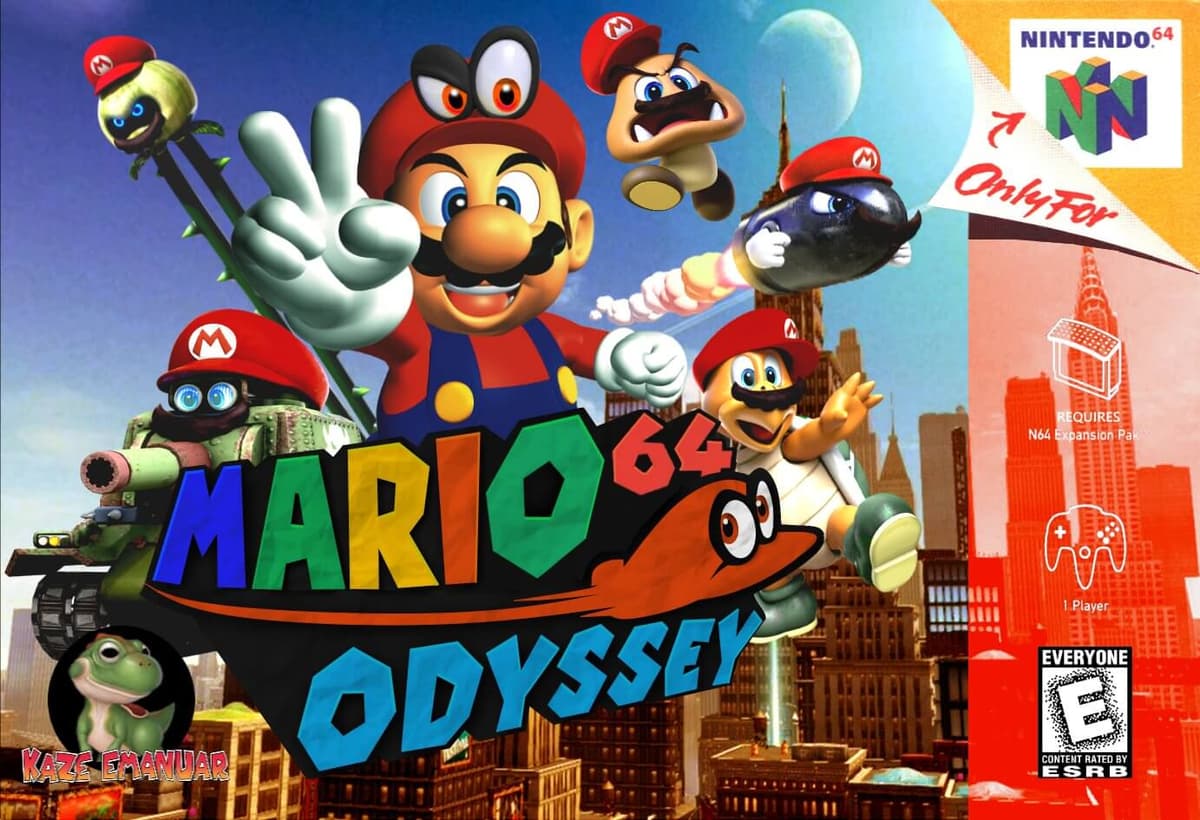
Mario Odyssey 64
You journey through vibrant, open-ended kingdoms as Mario, collecting Power Moons to fuel your airship and rescue Princess Peach from Bowser, using a combination of acrobatic jumps, ground pounds, and a new throwing mechanic to interact with the environment and enemies.